FORTRESS Open the web app

ANDROID APP

Fortress in your pocket

The same charts, signals and account as the website, built for the phone. News is graded ★ to ★★★, and the ★★★ ones reach you within a minute.

Download for Android

1.2.4 · 65 MB · Android 8 or newer

  1. 1
    DownloadTap the button. The file is 65 MB: Wi-Fi is better.
  2. 2
    InstallOpen the file. If Android asks, allow your browser to install apps (Settings → Install unknown apps), then tap Install.
  3. 3
    Sign inUse your fortresscharts.com account: your drawings, layouts and alerts are already there.
Is it safe?

Yes. The app isn't on Google Play yet (it's being reviewed), so Android shows a warning when you install it. That warning appears for every app from outside Play.

The app tells you when a newer version is here. Install it over the old one: nothing is lost.

For experts, the file's fingerprint (SHA-256): 3257dc38735a69b7bd9f1e7aa71a03e852f60fa278b47a32f388680d2b6d4e23
WHAT'S INSIDE

Everything from the website, made for your thumb

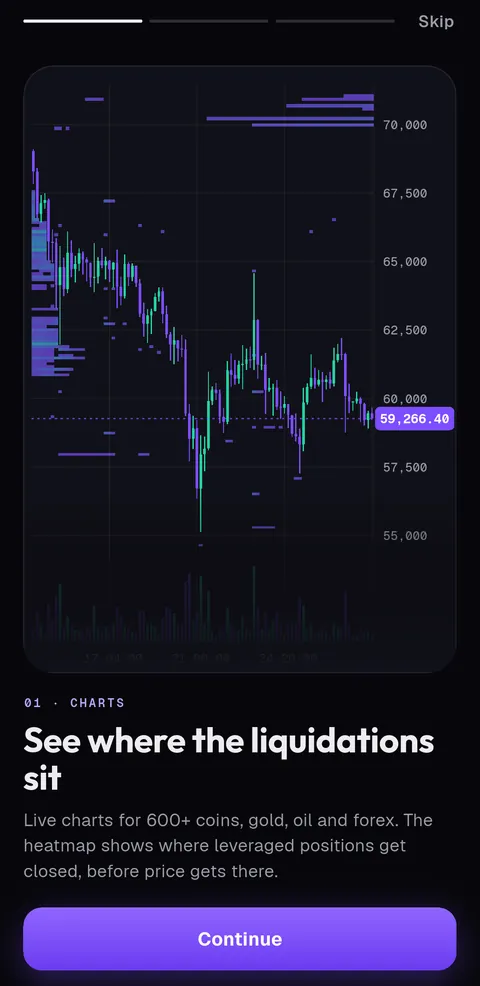
Liquidation heatmapWhere leveraged positions get closed, before price gets there
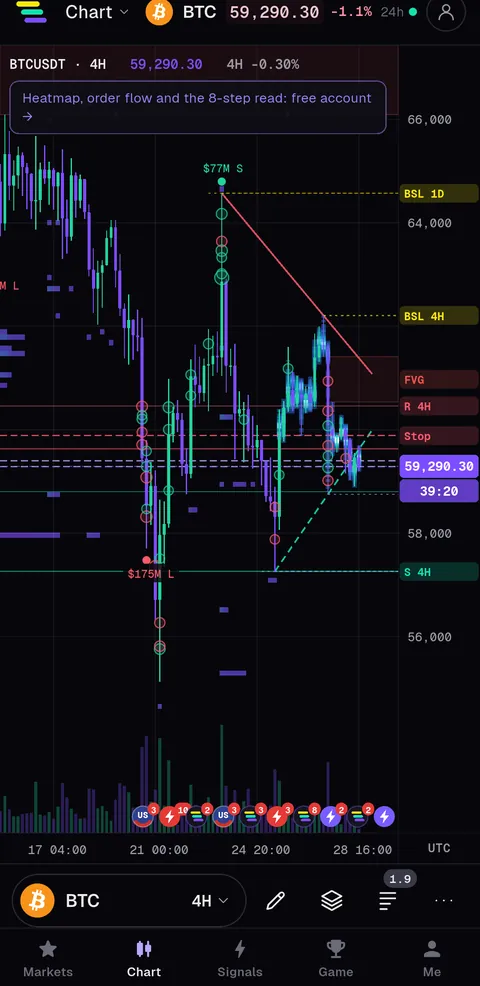
The full chartLiquidity, sweeps, levels, big liquidations and events on the candles
News, graded★ to ★★★, so the tariff story isn't lost among the small ones
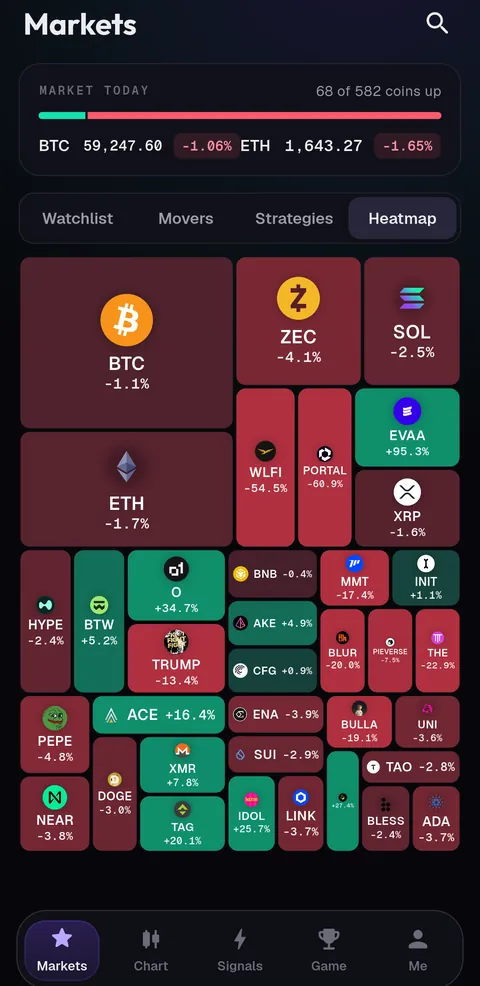
The market at a glanceEvery coin's move today, by size
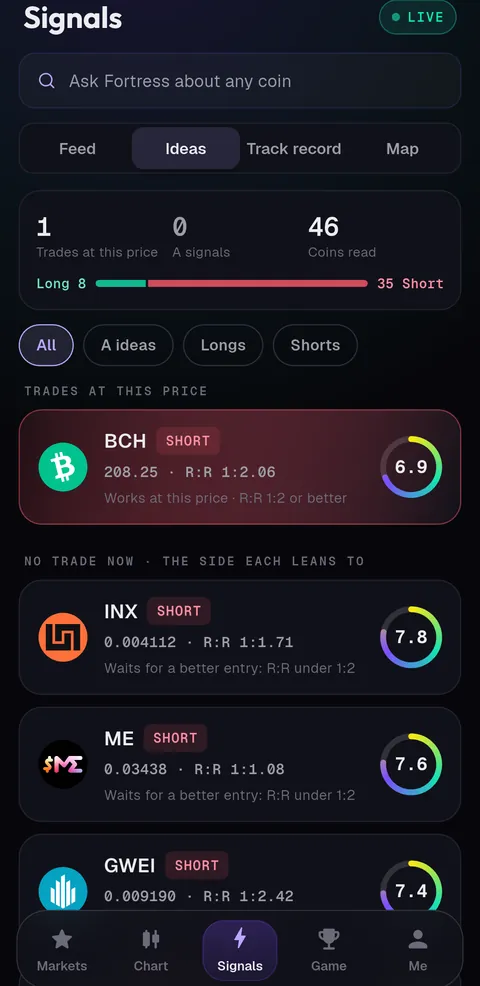
IdeasThe side each coin leans to, with entry, stop and target
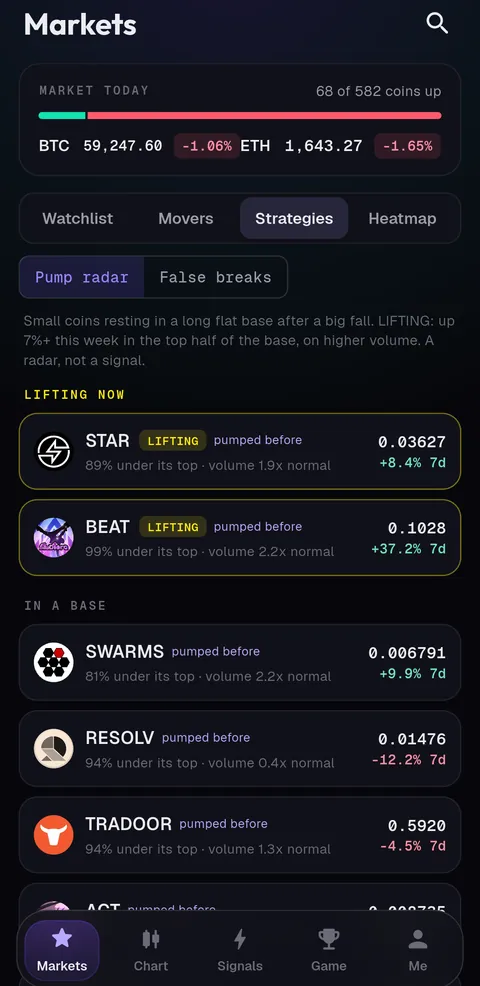
Pump radar and false breaksSmall coins lifting off a base, fake breakouts of strong levels
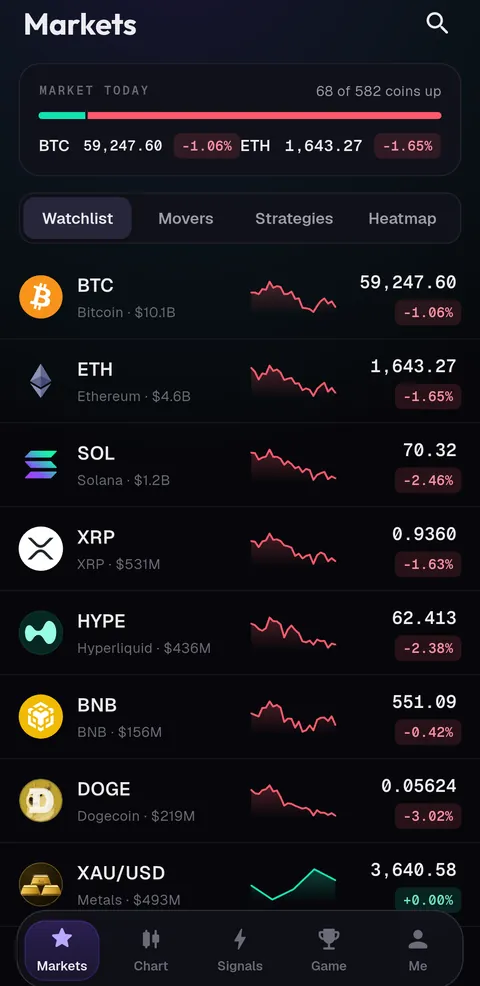
600+ coins, gold, oil, forexYour watchlist, the same on the website and the phone
Trading gameReal charts with the coin and date hidden, a weekly league

IPHONE, WINDOWS, MAC

No Android? Install the website as an app

The website works like an app: its own icon, its own window, everything included. Free, nothing to download.

iPhone and iPad (Safari)

  1. Open fortresscharts.com/app in Safari.
  2. Tap the Share button (the square with an arrow, at the bottom).
  3. Tap "Add to Home Screen", then "Add".

Windows and Mac (Chrome or Edge)

  1. Open fortresscharts.com/app.
  2. Click the install icon at the right end of the address bar (a screen with an arrow), or the button above.
  3. Click "Install". Fortress opens in its own window and gets an icon on the desktop.

Mac (Safari)

  1. Open fortresscharts.com/app in Safari.
  2. Choose File → Add to Dock.
  3. Fortress appears in the Dock like any app.